Key Takeaways
- Amazon Ads unified reporting is one report builder for sponsored ads and Amazon DSP campaigns, generally available in the advertising console since 8 June 2026.
- Amazon plans to close the legacy report pages by 31 December 2026 and delete any saved reports, schedules and history left on them.
- Unified reporting dates every purchase to the day of the ad click or view, which Amazon calls traffic date.
- Several metric names changed, so Orders became Purchases and Spend became Cost, and each old field should be mapped to its new equivalent before a report is rebuilt.
- A safe migration lists every saved report, maps its fields, rebuilds it, checks it against the legacy version for a completed period, and only then switches over.
Amazon Ads unified reporting is the single report builder in the advertising console for sponsored ads and Amazon DSP campaigns, and it replaces the separate legacy report pages that Amazon plans to close by 31 December 2026. On this page, unified reporting means the Reporting area of the Amazon Ads console, not Seller Central Business Reports or Amazon Marketing Cloud. It matters now because anything left on the old pages when they close will be deleted, and because the new builder renames several metrics and dates purchases differently. This page explains what unified reporting does, how to build a report, which names changed, and the migration checklist Clear Ads uses. Platform details are as of October 2026.
What is Amazon Ads unified reporting?
Amazon Ads unified reporting is one report builder that brings sponsored ads and Amazon DSP reporting into the same place, with standard metric names and definitions across ad products, accounts and countries. Amazon released it in beta in November 2025 and made it generally available in the advertising console on 8 June 2026.
Amazon describes three main changes:
- Standard metric names and definitions across ad products.
- Analysis across several dimensions at once, such as campaign, placement and audience.
- Reports that cover several accounts, ad products and countries without joining separate files by hand.
Unified reporting also dates purchases by traffic date. A purchase is reported on the day of the ad click or view that earned it, not on the later day the order was placed, so recent days fill in as the attribution window runs.
Where is unified reporting available?
Unified reporting is available to advertisers who use reporting in the Amazon Ads console. Amazon’s general availability announcement lists 34 countries across five regions:
- North America: United States, Canada and Mexico.
- South America: Brazil.
- Europe: Germany, Spain, France, Italy, United Kingdom, Belgium, Switzerland, Poland, Turkey, Austria, Netherlands, Sweden, Finland, Norway, Ireland, Denmark and Luxembourg.
- Middle East: Saudi Arabia, United Arab Emirates, Israel, Egypt, Morocco, Bahrain and Kuwait.
- Asia Pacific: Australia, India, Japan, China, New Zealand and Singapore.
If one country or ad product is critical to your reporting, check it in your own console before you rely on it.
How do you build a report in unified reporting?
You build a report by opening Reporting in the Amazon Ads console, choosing a template or a custom report, and selecting at least one time dimension, one level of detail and one metric. The steps below produce a report you can trust and schedule.
- Open Reporting from the left navigation in the Amazon Ads console.
- Select Create report, or start from a template in the report gallery.
- Give the report a clear name.
- Select at least one time dimension, such as date, week or month.
- Select at least one level of detail, such as advertiser account, campaign, ad group or ad.
- Add the traffic, engagement and conversion metrics you need.
- Set the report period and any filters.
- Choose whether the report runs once or repeats.
- Add email recipients only if you are happy for them to hold the data.
- Submit the report and check the output before it replaces a legacy report.
The gallery includes templates such as Advertised Product, Audience, Converted Product, Geography, Placement, Campaign, Live Events, Search Term, and Reach and Frequency. Choosing ad group as the level of detail gives one row per ad group, which is how the Amazon ad group report is now produced.
History and data freshness
Unified reporting keeps daily and weekly data for up to 15 months, and monthly, yearly and summary data for up to six years. Some dimensions and metrics have shorter histories, so a long date range can return partial data for those fields.
Purchases appear after a delay and keep arriving until the attribution window closes, always dated back to the ad interaction. Treat the latest days of any report as provisional.
Scheduling and delivery
Reports can run once or repeat daily, weekly or monthly, and the builder lets you choose the generation time, the time zone and the email recipients. Amazon warns that anyone with an emailed report link can view the report, even without access to the Amazon Ads console.
Agencies and larger teams should send reports to a role-based mailing list, review the recipient list regularly, and leave out account or product detail that the recipients do not need.
Build each report once, check it against a known period, and schedule it, so the history builds without rework.
Which metric names changed?
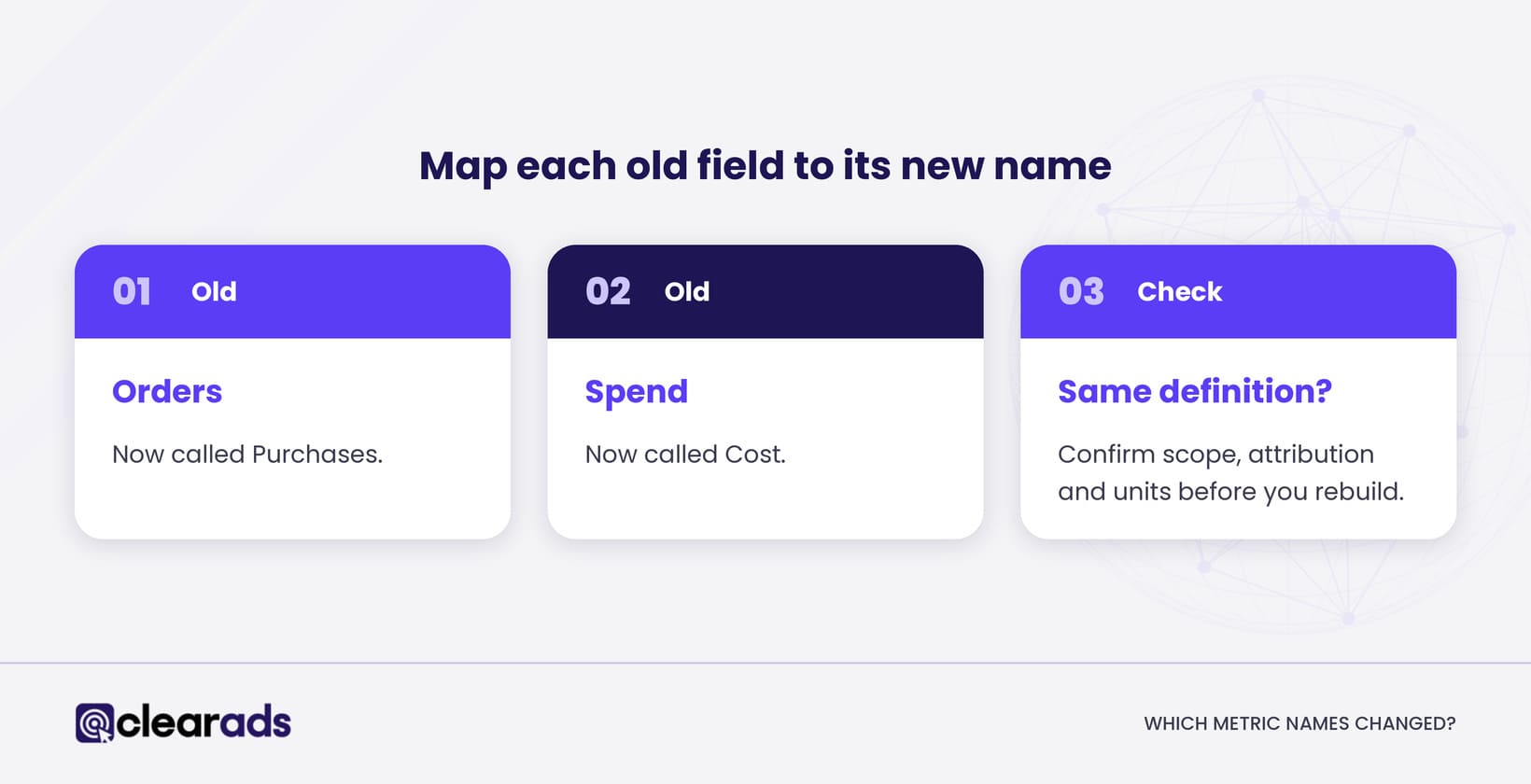
Several metric names changed so that every ad product uses the same words. Amazon’s conversion metric glossary maps the old names to the new ones, and the most common changes are below.
| Unified name | Former names |
|---|---|
| Purchases | Orders, 7-day total orders, 14-day total orders |
| Sales | Total product sales, 7-day total sales, 14-day total sales |
| Units sold | Total units sold, 7-day or 14-day total units |
| Cost | Spend |
| Purchases (promoted) | Advertised ASIN or advertised SKU orders |
Do not migrate by header name alone. For each old field, confirm whether it measured total or promoted products, click or view attribution, purchases or units, and halo or new-to-brand activity, then pick the unified field that measures the same thing.
A renamed field with a different definition is the most common cause of a migrated report that looks wrong.
What happens when the legacy report pages close?
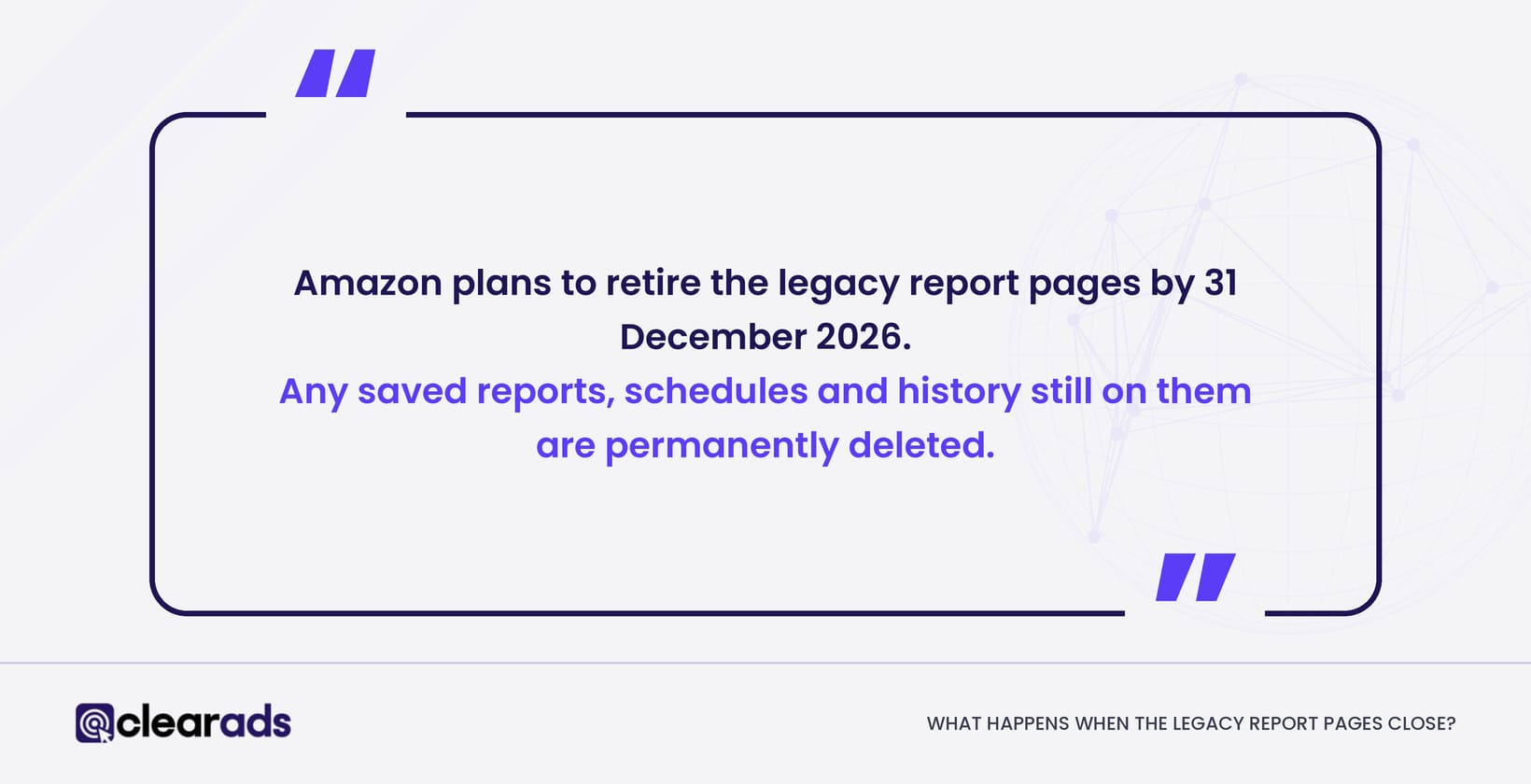
When the legacy report pages close, any saved reports, schedules and history still on them are permanently deleted. Amazon plans to retire the legacy Sponsored Ads and Amazon DSP report pages by 31 December 2026.
| Date | Change |
|---|---|
| November 2025 | Unified reporting released in beta |
| 8 June 2026 | Unified reporting generally available; manual migration open |
| By 31 December 2026 | Legacy report pages close; saved reports, schedules and history left there are deleted |
Amazon’s migration guidance describes a self-service tool that moves eligible saved and scheduled reports into unified reporting and maps their fields to the new names. Report types the tool does not support fail and have to be rebuilt by hand, so check every report rather than assuming it moved.
What is not fully integrated yet
As of October 2026, Amazon’s help content lists several report types still being added during 2026. They include viewability reporting, benchmarks, conversion path reporting, Sponsored Products video, and support for older Sponsored Brands campaigns in targeting and search term reporting.
“Unified” does not yet mean that every legacy report and campaign type has an identical replacement. Keep a short list of exceptions until each report your team depends on has been tested.
What it means for API reporting
Unified reporting is built for the console first. Amazon lists the Reporting API and Amazon Marketing Stream for the unified experience as in beta, and API reporting is moving to a new version on its own timetable.
Treat the console migration and any API migration as two projects with separate owners and deadlines, and check Amazon’s API release notes for the current API dates.
How do you migrate your reports to unified reporting?
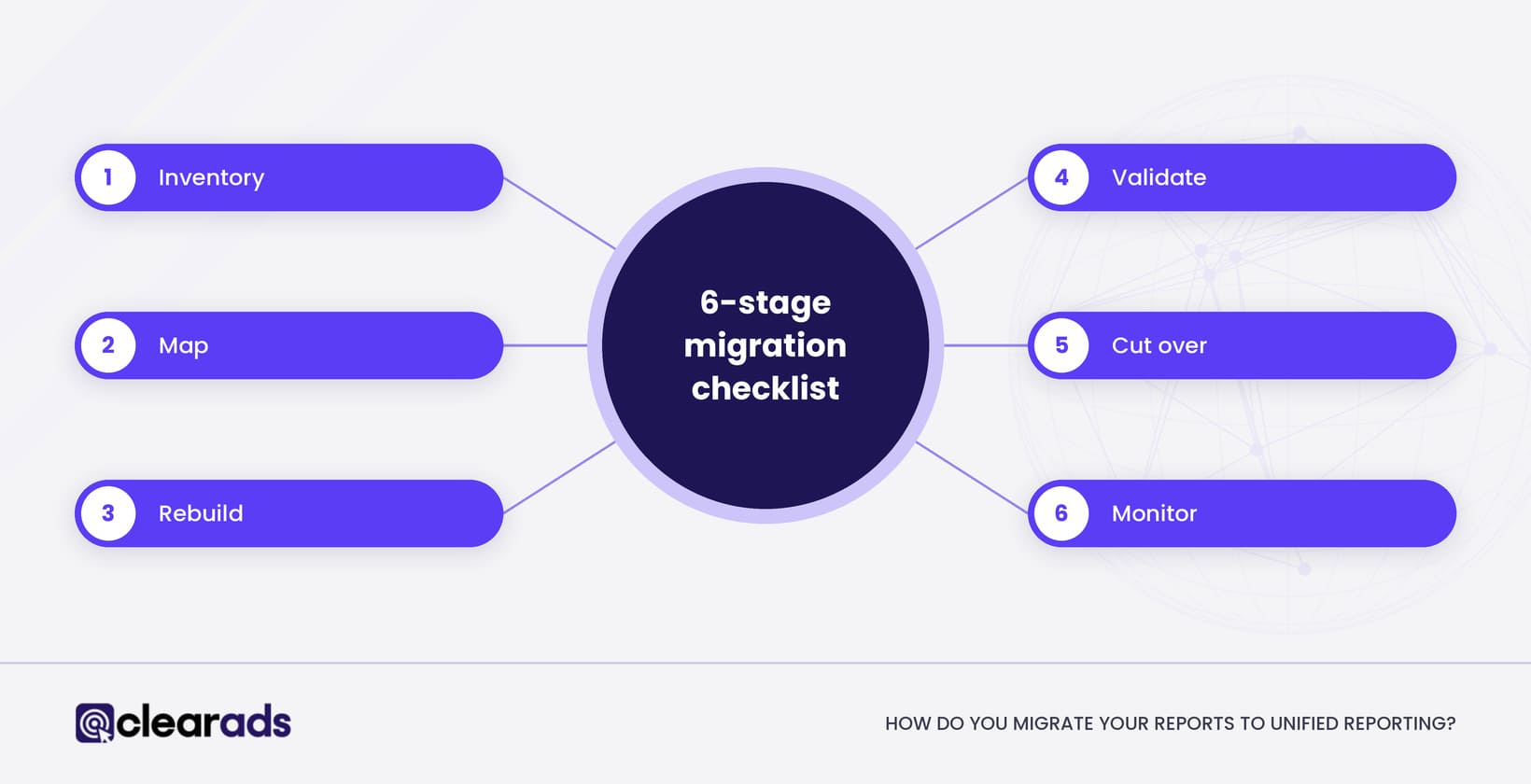
Migrate your reports in six stages: inventory, map, rebuild, validate, cut over and monitor. This is the Clear Ads migration checklist, and the validation stage is the one that catches renamed fields before they reach anyone’s dashboard.
Inventory
- List every active saved and scheduled report.
- Record the owner, recipients, frequency, marketplace and where the data goes next.
- Remove duplicates and reports nobody uses.
Map
- Map every old field to its unified metric or dimension.
- Mark total or promoted, click or view, and purchases or units for each field.
- Confirm the currency and the account scope.
Rebuild
- Use the migration tool where it supports the report.
- Rebuild unsupported reports by hand or from a template.
- Use clear report names and a named owner for each report.
Validate
- Run the legacy and unified reports for the same completed period.
- Compare raw metrics, such as impressions, clicks, Cost, purchases and sales, before ratios.
- Investigate any difference in attribution, campaign coverage or field definition.
- Sign off only when the person who uses the report understands what changed.
Cut over
- Point spreadsheets, dashboards and automations at the new reports.
- Test report links and email recipients.
- Export any legacy reports you need to keep and store them outside the old pages.
- Remove schedules you no longer need.
Monitor
- Check the first three scheduled deliveries.
- Reconcile the first month-end output against your previous reporting.
- Keep a temporary list of report types that are not supported yet.
A migration is finished when every report your team relies on has a checked replacement and a named owner.
Frequently asked questions
Is Amazon Ads unified reporting free?
Yes. Unified reporting is part of reporting in the Amazon Ads console, and Amazon has not announced a separate fee for using it.
Does unified reporting replace Campaign Manager?
No. Campaign Manager is still where you manage campaigns and view their performance tables, while unified reporting is where you build, save and schedule reports.
Will unified reports match my old legacy reports?
Often, once you choose equivalent dimensions, metrics and attribution, but not always. Unified reporting dates purchases by traffic date and standardises definitions, so compare one completed period side by side before you replace a report. The rules behind any gap are set out in why Amazon ads reports disagree.
What should you export before 31 December 2026?
Export any legacy reports and history you need to keep, plus a list of your saved and scheduled reports with their settings. Anything left on the legacy pages when they close is deleted.
Do third-party reporting tools need to change?
Possibly. Tools that pull data through the Amazon Ads API follow the API’s own migration timetable rather than the console’s, so ask your tool provider which reporting API version it uses and when it plans to move.
What does this page not cover?
This page covers how unified reporting works and how to migrate to it, and leaves four topics to other pages:
- Reading reports and turning them into actions: how to read Amazon advertising reports.
- Why two reports disagree and how to reconcile them: why Amazon ads reports disagree.
- Measuring Amazon DSP campaigns in depth: Amazon DSP performance measurement.
- Ad-group-level analysis: the Amazon ad group report.
What is the next step?
List every saved and scheduled report in your account this week, and rebuild the one your team uses most in unified reporting. Run both versions for the same completed month and compare them before December. The Amazon advertising reports hub shows how each report fits once the move is done.
If your account has dozens of scheduled reports feeding spreadsheets and dashboards, Clear Ads Amazon PPC management can run the migration and the checks as part of ongoing account management, so reporting does not break when the legacy pages close.