Post Updated: October 16, 2026
Key Takeaways
- Reading an Amazon advertising report starts with the business question, because the question decides which report and which level of detail to open.
- Check the five raw metrics (impressions, clicks, Cost, purchases and sales) before reading any ratio built from them.
- Recent days understate sales, because Amazon credits a purchase to the day of the ad click and keeps adding purchases until the attribution window closes.
- A daily, weekly and monthly routine separates fixing faults from optimising campaigns and from making strategic calls.
- Thresholds for action should come from product price, margin and cost per click, not from a fixed rule such as “pause after 20 clicks”.
Reading an Amazon advertising report means choosing the report that answers your question, checking the raw metrics, allowing for attribution, and only then turning ratios into decisions. On this page, Amazon advertising reports means the Sponsored Ads reports in the Amazon Ads console, built in unified reporting or opened in Campaign Manager, not Seller Central sales reports or Amazon Marketing Cloud. The order matters because a report read too early, or at the wrong level of detail, points to the wrong fix. The sections below show which report to open for each question, which metrics to read first, how attribution changes the picture, and the routine Clear Ads uses to turn reports into actions.
Which Amazon ads report answers which question?
Each Amazon ads report answers one kind of question, so pick the report from the question rather than opening everything. In the current console, reports are built under Reporting in the left navigation, where unified reporting offers custom reports and templates across accounts and ad products.
| Question | Report or level of detail | Typical action |
|---|---|---|
| What did shoppers type before clicking? | Search term report | Add converting terms as targets; add negatives |
| Which keyword, product or category target performed? | Targeting report | Change bids; pause or expand targets |
| Which campaign spent the money and what did it return? | Campaign report | Move budget between campaigns |
| Which ad group is strong or weak inside a campaign? | Ad group level of detail | Adjust default bids, targets or structure |
| Which product received ad traffic? | Advertised product report | Move product budget; fix weak listings |
| Which product did the shopper buy? | Purchased product report | Measure halo sales; spot mismatched traffic |
| Which placement performs best? | Placement report | Adjust placement bid adjustments |
| How does performance change over time? | Date, week or month dimension | Spot seasonality and the effect of changes |
Several of these appear as templates in the unified reporting gallery, including Search Term, Advertised Product, Converted Product, Placement and Campaign. How the builder works, and what changes as the old report pages close on 31 December 2026, is covered in Amazon Ads unified reporting.
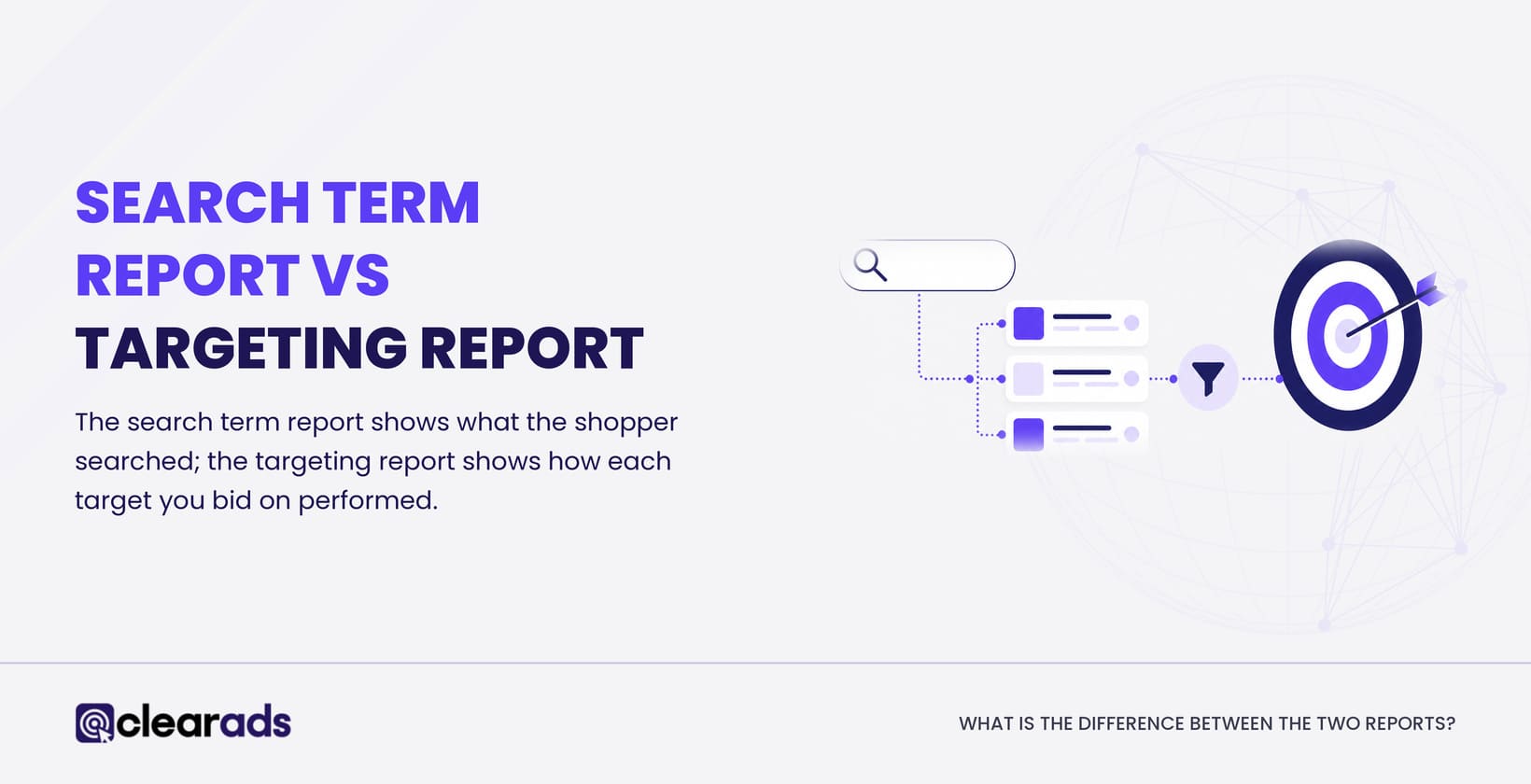
Each report has its own page on this site. The Amazon Search Term Report guide, the Amazon placement report, the campaign performance report and the Amazon ad group report explain each one in depth. The difference between the first two rows of the table, and how to use them together, is set out in Search Term Report vs targeting report.
The question picks the report; the report never picks the question.
Which metrics should you read first?
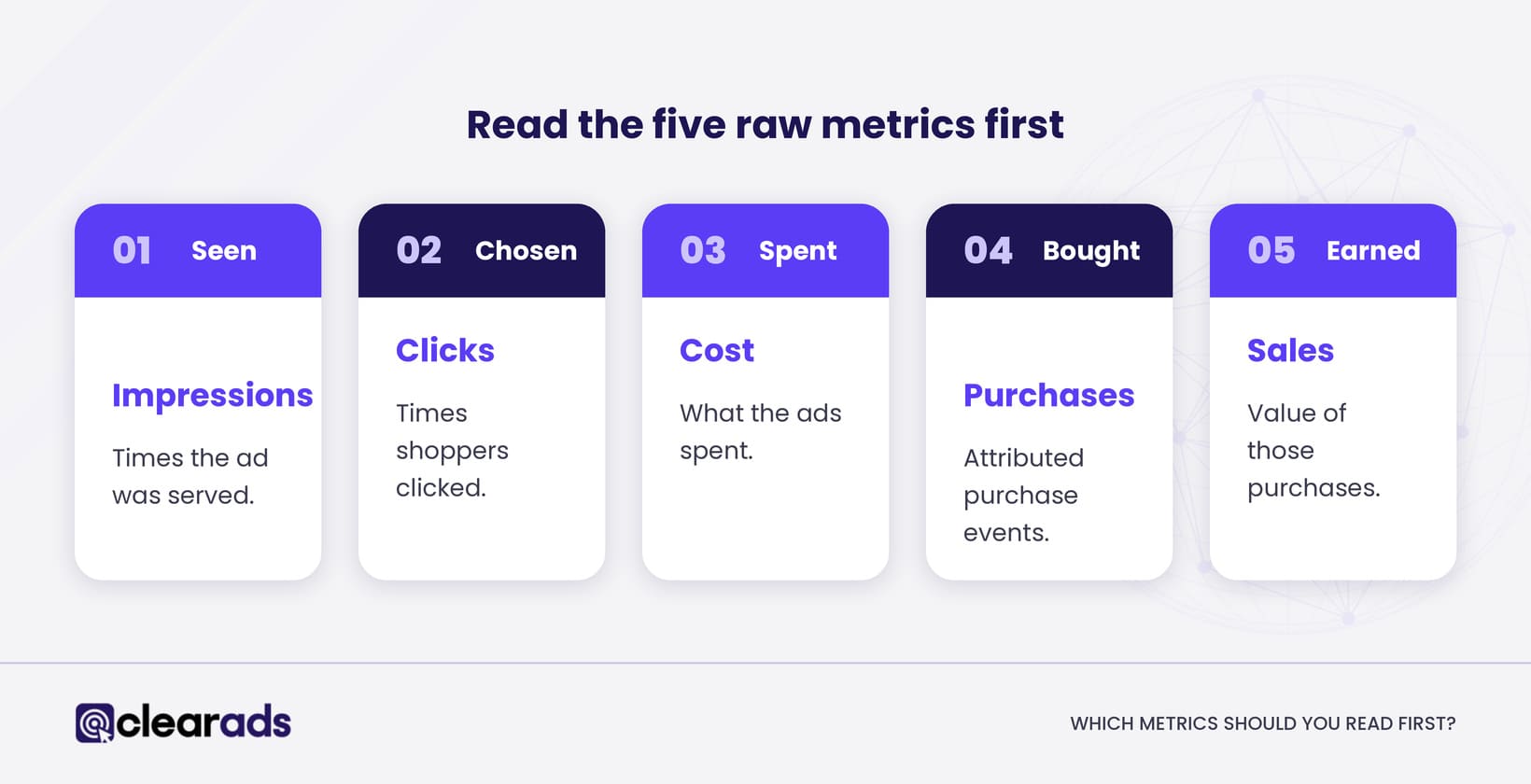
Read the five raw metrics first: impressions, clicks, Cost, purchases and sales. Every ratio in an Amazon ads report is built from these five, so a problem in a raw figure, such as a missing campaign or a short date range, flows into every ratio built from it.
- Impressions: how many times the ad was served.
- Clicks: how many times shoppers clicked the ad.
- Cost: what the ads spent, shown as spend on some older pages.
- Purchases: attributed purchase events, called orders on some older pages.
- Sales: the value of attributed purchases.
Unified reporting standardises the names Purchases, Sales and Units sold across ad products, while keeping promoted, click, view, halo and new-to-brand versions where they apply.
Click-through rate
Click-through rate (CTR) = clicks ÷ impressions × 100. It shows how often an impression becomes a click. A low CTR can point to weak relevance, an unattractive search result or targeting that misses the shopper’s intent.
Cost per click
Cost per click (CPC) = Cost ÷ clicks. It describes what the auction charged, not whether the click paid off. A high CPC can be fine when conversion rate, order value and margin support it.
Conversion rate
Advertising conversion rate = purchases ÷ clicks × 100. Check the field before you compare it, because some Amazon reports use “purchase rate” for a ratio over impressions rather than clicks. The formula and its pitfalls are covered in the Amazon ads conversion rate guide.
ACoS, ROAS and TACoS
Advertising cost of sales (ACoS) = Cost ÷ ad-attributed sales × 100. Return on ad spend (ROAS) = ad-attributed sales ÷ Cost, the inverse of ACoS, so a 25% ACoS equals a ROAS of 4. Total advertising cost of sales (TACoS) = Cost ÷ total sales × 100, which needs a named Seller Central or Vendor Central source for total sales. None of the three is profit, because they leave out product costs, Amazon fees and overheads; the ACoS, TACoS and ROAS page shows how to set targets for each.
Check the raw figures, then recalculate ratios from totals rather than averaging the ratios of individual rows.
How does attribution change what a report shows?
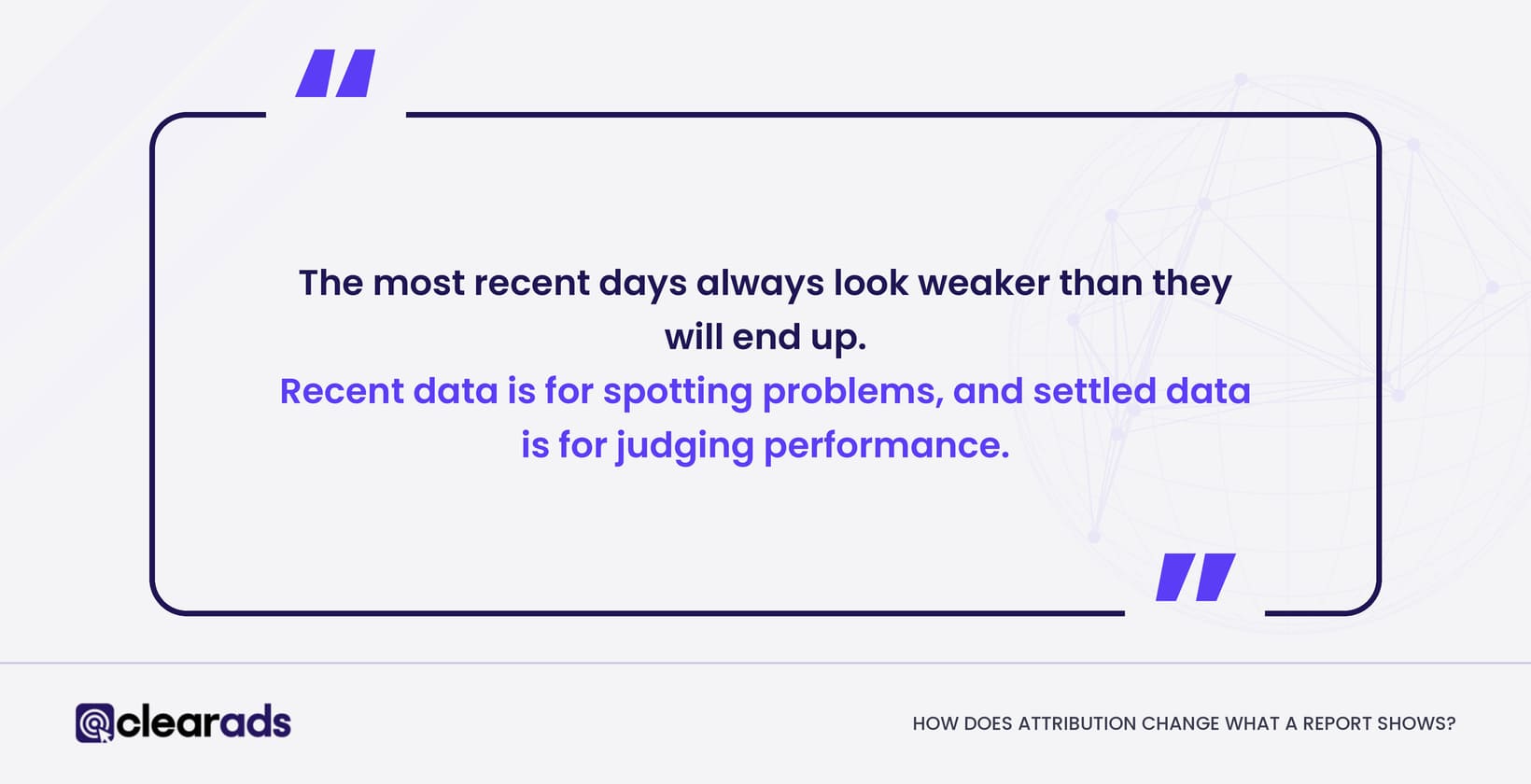
Attribution changes what a report shows by crediting each purchase to the day of the ad click or view, so the most recent days always look weaker than they will end up. Sponsored Products credits purchases within 7 days of a click for sellers and within 14 days for vendors and authors, and purchases keep arriving until that window closes.
Traffic moves too. Amazon says impressions and clicks can be revised for up to three days while invalid traffic is removed, and purchase figures can be restated later.
Use today’s and yesterday’s data for pacing and faults, such as a campaign out of budget or a spend spike. Make bid and profitability decisions on a period that has settled, at least as long as the attribution window, and longer for low-volume products. When two reports still disagree after that, why Amazon ads reports disagree explains how to reconcile them.
Recent data is for spotting problems, and settled data is for judging performance.
What does a good reporting routine look like?
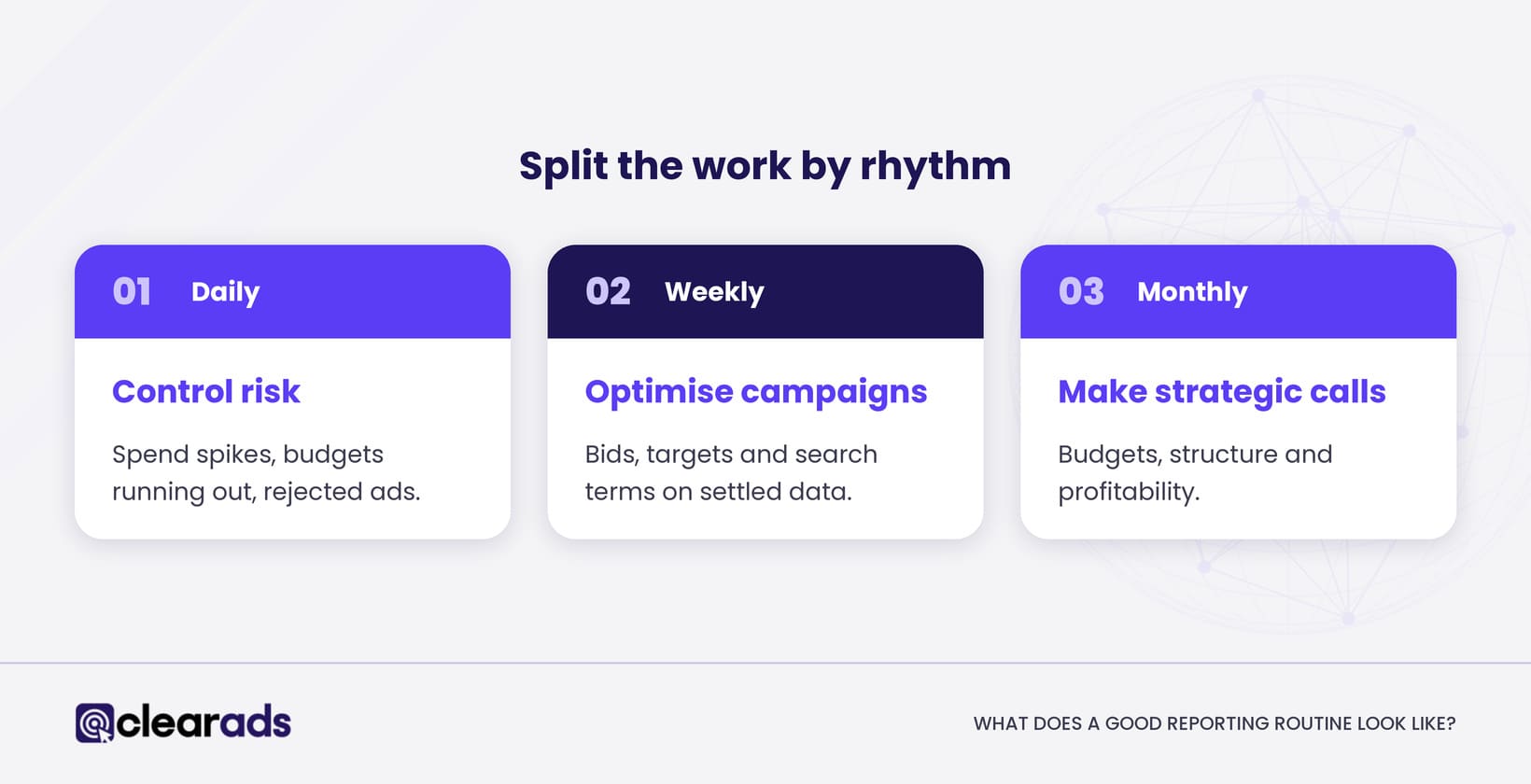
A good reporting routine splits the work by rhythm: daily checks for faults, weekly reviews for optimisation and monthly reviews for strategy. This is the routine Clear Ads recommends, and the split stops teams making profitability calls on data that has not settled.
Daily: control risk
Check only what cannot wait:
- Spend spikes or campaigns that stopped serving.
- Campaigns running out of budget early in the day.
- Rejected ads or products.
- Stock, Featured Offer or listing problems.
- Tracking anomalies, such as a campaign with impressions but no clicks.
Weekly: optimise campaigns
- Compare Cost, sales, ACoS, ROAS and TACoS with the same period last week and last year.
- Review the strongest and weakest campaigns and products.
- Use the search term report to find converting queries and wasted spend.
- Use the targeting report to adjust keyword, product and category bids.
- Review placement performance before changing placement bid adjustments.
- Check advertised and purchased products for halo sales or irrelevant traffic.
- Log every change, so next week’s movement has an explanation.
Monthly: make strategic decisions
Review product economics, budget split across products and campaigns, branded against non-branded performance, each product’s stage in its lifecycle, new-to-brand contribution, the organic sales trend and the relationship between ACoS and TACoS.
Setting thresholds from economics
A fixed rule such as “pause after 20 clicks” ignores price, margin, CPC and expected conversion rate, so set thresholds from the product’s economics instead. If a product sells for $30 (USD) and the target ACoS is 25%, the allowed ad cost per sale is $7.50. At an average CPC of $0.75, ten clicks without a sale have used up one sale’s worth of allowed cost.
That point does not prove the target is bad, especially for a launch or a low-volume product. It marks the moment to check relevance, search terms and the detail page. Amazon itself says there is no universal good ACoS, because the right target depends on margin and campaign goals.
A routine with economic thresholds turns reports into the same decisions every week, whoever reads them.
How do you turn report patterns into actions?
Turn report patterns into actions by matching the pattern to its most likely cause and testing one change at a time. The table shows common patterns, their likely cause and the first action for each.
| Pattern | Likely issue | First action |
|---|---|---|
| Low impressions | Eligibility, relevance, bids, budget or low demand | Check campaign status, indexing, targets and bids |
| Impressions but low CTR | Unattractive search result or weak relevance | Review the query, image, title, price, reviews and placement |
| Clicks but few purchases | Listing, offer or traffic quality | Check the search terms and the detail page |
| Good conversion, high ACoS | CPC too high or order value too low | Lower bids, raise basket value or isolate stronger placements |
| Good ACoS, limited sales | Budget, bids or reach held back | Test a controlled increase |
| Strong ad sales, rising TACoS | Total sales not keeping pace with ad cost | Separate launch spend from lasting dependence on ads |
| Falling ACoS and falling total sales | Efficiency bought by cutting growth | Check volume, rank and the organic trend before celebrating |
When bids, budgets, listings and prices all change in the same week, the report shows movement without showing the cause. Change one thing at a time where you can.
Mistakes to avoid
- Comparing recent, immature days with settled history.
- Treating purchases, units and sales as the same thing.
- Comparing total attributed sales with promoted-product sales.
- Judging ACoS without margin or the product’s lifecycle stage.
- Averaging percentages instead of recalculating from total Cost and sales.
- Adding daily unique reach figures across days.
- Making decisions from a handful of clicks.
- Ignoring currency and marketplace filters.
- Improving one ratio while sales volume falls.
Frequently asked questions
Which report should a beginner use first?
Start with the search term report, because it connects what shoppers typed with what you spent and sold. Pair it with the targeting report before changing bids, because one search term can sit under a broader keyword or an automatic target.
How long does Amazon keep report data?
It depends on the report and the time grain. Unified reporting keeps daily and weekly data for up to 15 months and monthly, yearly and summary data for up to six years, although some metrics and dimensions have shorter histories.
Can Amazon ads reports be emailed automatically?
Yes. Unified reports can run once or repeat daily, weekly or monthly with email delivery, and Amazon warns that anyone with the emailed link can view the report.
Why does the search term report show fewer impressions than Campaign Manager?
The search term report lists only search terms that produced at least one ad click, while Campaign Manager counts every impression. Terms with impressions but no clicks are missing from the search term report, so its impression total is lower.
Do you need a third-party tool to read Amazon ads reports?
No. The Amazon Ads console and unified reporting cover everything on this page, and tools mainly save time when you manage many campaigns or accounts. The options are compared in Amazon PPC tools and software.
What does this page not cover?
This page covers how to read Amazon ads reports and act on them, and leaves four topics to their own pages:
- How the unified reporting builder works and how to move reports into it: Amazon Ads unified reporting.
- Why two reports disagree and how to reconcile them: why Amazon ads reports disagree.
- Full metric definitions and benchmarks: Amazon PPC metrics.
- Search Query Performance, which sits in Brand Analytics rather than the Ads console: the Amazon Search Query Performance report.
What is the next step?
Set up the weekly routine above as one scheduled report, with Cost, sales, purchases, ACoS and TACoS by campaign, and review it on the same day each week against the same period last week. The Amazon advertising reports hub links every report this routine draws on.
If the reports are there but nobody has the time to act on them every week, Clear Ads Amazon PPC management turns each week’s reports into bid, budget, targeting and listing decisions.