Why Did Amazon Move Creator Storefront Clicks to Other On-Amazon?

Key Takeaways

  • Amazon now reports Sponsored Products clicks from creator storefronts on Amazon under Other on-Amazon, while clicks from creator content outside Amazon stay under Off Amazon.

  • Trade press dates the switch to 11 November 2026, so a placement report that spans that date is likely to mix two definitions of both rows.

  • Moving one group of clicks between rows can make both rows look worse, or both look better, while the campaign’s real performance stays exactly the same.

  • Judge Off Amazon and Other on-Amazon together by summing spend, clicks and sales before recalculating ratios, and let attribution mature before reading the weeks after the switch.

  • Limiting a campaign’s reach to Amazon no longer keeps it out of creator storefronts, so use the creator deny list to block specific storefronts.

  • Review bid rules, alerts and dashboards that read either row on its own before they act on the new mix.

Amazon moved them because it now treats a creator’s storefront as part of Amazon, so Sponsored Products clicks from storefronts are reported under Other on-Amazon instead of Off Amazon. Clicks from creator content outside Amazon, such as reviews and buying guides on a creator’s own site, stay under Off Amazon. This article covers what the change means for Sponsored Products placement reporting, not the commission deals brands arrange with creators directly.

What changed in the Sponsored Products placement report?
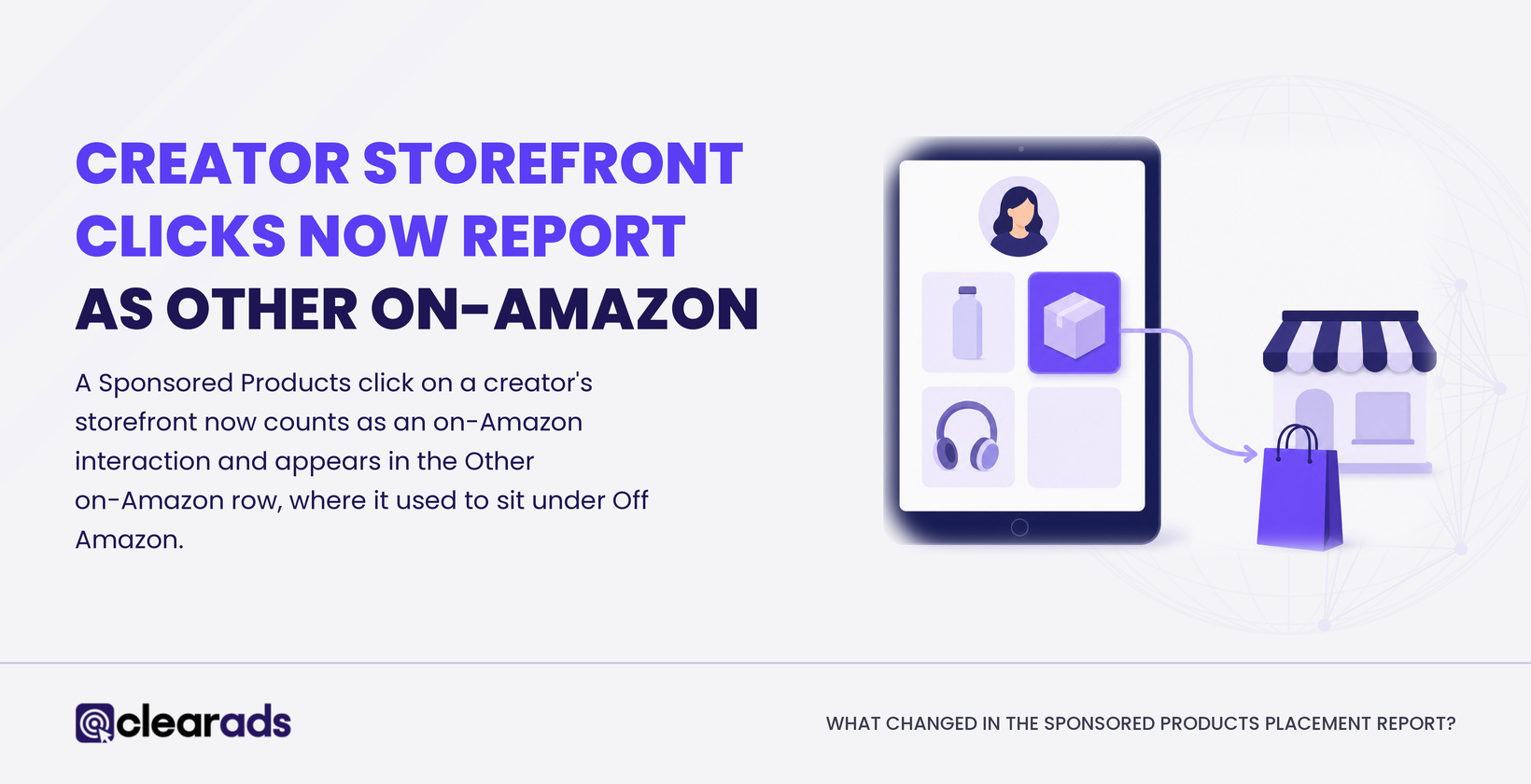
Creator storefront clicks now report as Other on-Amazon, instead of Off Amazon, in the Sponsored Products placement report

A Sponsored Products click on a creator’s storefront now counts as an on-Amazon interaction and appears in the Other on-Amazon row, where it used to sit under Off Amazon. The storefront is the page on Amazon where a creator lists the products they recommend, and Amazon’s guidance counts storefronts among its own properties. Trade press dates the switch to 11 November 2026, and one report cites an Amazon Ads email to advertisers dated 4 November.

Where each creator click is reported

Where the shopper clicksBefore 11 November (as reported)Now (Amazon’s guidance)
A recommendation on a creator’s storefront on Amazon, leading to your product detail page or an add to basketOff AmazonOther on-Amazon
Creator content outside Amazon, such as a review or buying guideOff AmazonOff Amazon
Third-party sites and appsOff AmazonOff Amazon

Creator placements are recent. Sponsored Products has run on selected third-party sites and apps since 2023, and Amazon began serving it through creators in its influencer programme on 10 August 2026, enrolling existing campaigns at their current bids and budgets, according to trade press. Until the switch, storefront clicks and external creator clicks shared the Off Amazon row.

Row names vary by tool. Amazon’s API labels the Sponsored Products placements Top of Search on-Amazon, Detail Page on-Amazon, Other on-Amazon and Off Amazon, while the matching bid adjustment is still called Rest of search and some reports use that name too. Before November, Other on-Amazon held mainly rest-of-search clicks: search results below the top row of page one, and every later page.

Our guide to the Amazon placement report explains each row and how to pull the report. Amazon’s off-Amazon guidance for Sponsored Products sets out the current treatment of storefronts and creator content.

What does the change mean for campaigns that limit reach to Amazon?

It means limiting a campaign to Amazon no longer keeps its ads out of creator storefronts, because Amazon’s current guidance counts storefronts as part of Amazon. One industry report says that before 11 November the Limit reach to Amazon setting left storefronts out, so a campaign you restricted to avoid creator traffic can now pick up storefront clicks.

For campaigns already serving off Amazon, the change is mostly a matter of labels: the same storefront recommendations can serve, but their clicks land in a different row. Amazon has not said whether anything else about those clicks changed, such as how they are priced or which bid adjustments apply.

The setting has carried several names during 2026, including Limit off-Amazon spend, so find it by what it does rather than by its label. It sits in each campaign’s settings, and Sponsored Products bulksheets gained a column for it in June 2026 for US advertisers, which makes it easier to check across a large account.

Why did your Off Amazon and Other on-Amazon numbers change?
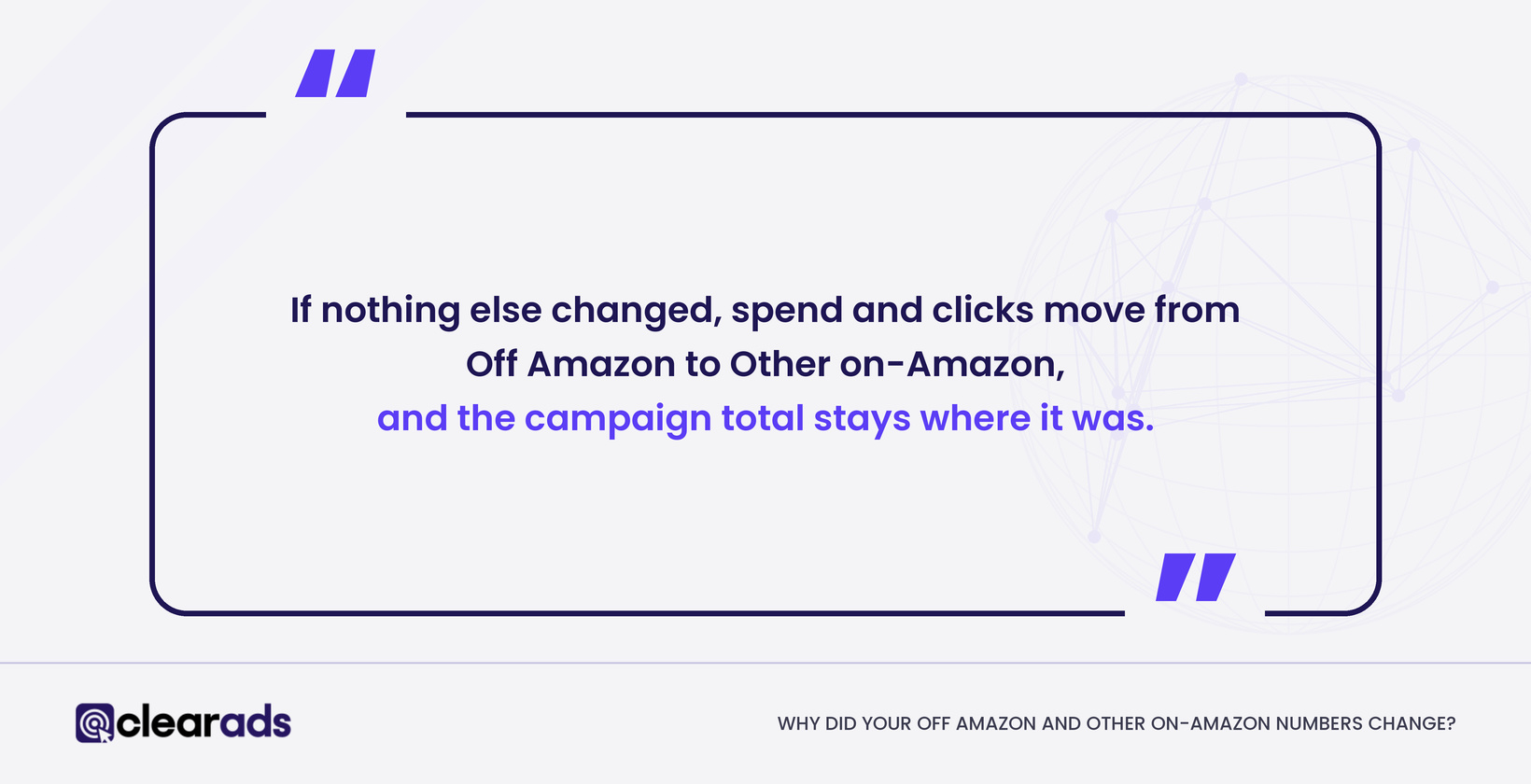
If nothing else changes, Off Amazon spend and clicks move to Other on-Amazon and the campaign total stays the same

Both rows changed because a group of clicks moved from one to the other, so each row’s size and mix shifted even if no shopper behaved differently. If nothing else changed, spend and clicks fall in Off Amazon and rise in Other on-Amazon by the same amount, and the campaign total stays where it was.

Ratios shift too, because each row now averages a different blend of traffic. Our guide to Amazon PPC metrics defines each measure, and the table shows how the move can push it:

How the move can shift each metric

MetricCalculationWhat the move can do
Clicks and spendCountsFall in Off Amazon and rise in Other on-Amazon by the same amount; campaign totals do not change
CPCSpend ÷ clicksMoves towards the cost of storefront clicks in Other on-Amazon, and away from it in Off Amazon
Conversion rateOrders ÷ clicksDepends on whether storefront clicks convert better or worse than the rest of each row
ACoSSpend ÷ attributed sales × 100Can rise or fall in each row with no change in how any click performed
CTRClicks ÷ impressionsUnreliable until you know how each row counts storefront impressions

The example below shows how far the rows can move. It splits one campaign’s clicks into three groups that perform exactly the same before and after the switch: rest-of-search clicks (CPC $0.85, ACoS 28.3%), storefront clicks ($0.70, 33.3%) and external creator and publisher clicks ($0.60, 66.7%). The figures are illustrative, in US dollars.

Illustrative: the same clicks under the old and new definitions

Report rowClicksSpendSalesCPCACoS
Off Amazon, old definition800$510$1,080$0.6447.2%
Off Amazon, new definition500$300$450$0.6066.7%
Other on-Amazon, old definition2,000$1,700$6,000$0.8528.3%
Other on-Amazon, new definition2,300$1,910$6,630$0.8328.8%
Both rows combined, either definition2,800$2,210$7,080$0.7931.2%

Both rows look worse after the switch, yet every click performed exactly as before. The storefront clicks were stronger than the rest of Off Amazon but weaker than rest of search, so removing them hurt one row and adding them hurt the other. If storefront clicks in your account were weaker than your other off-Amazon traffic, both rows could look better instead. No public data shows how storefront clicks perform against search or external creator content, so judge them on your own mature data.

How should you compare placement performance across 11 November?
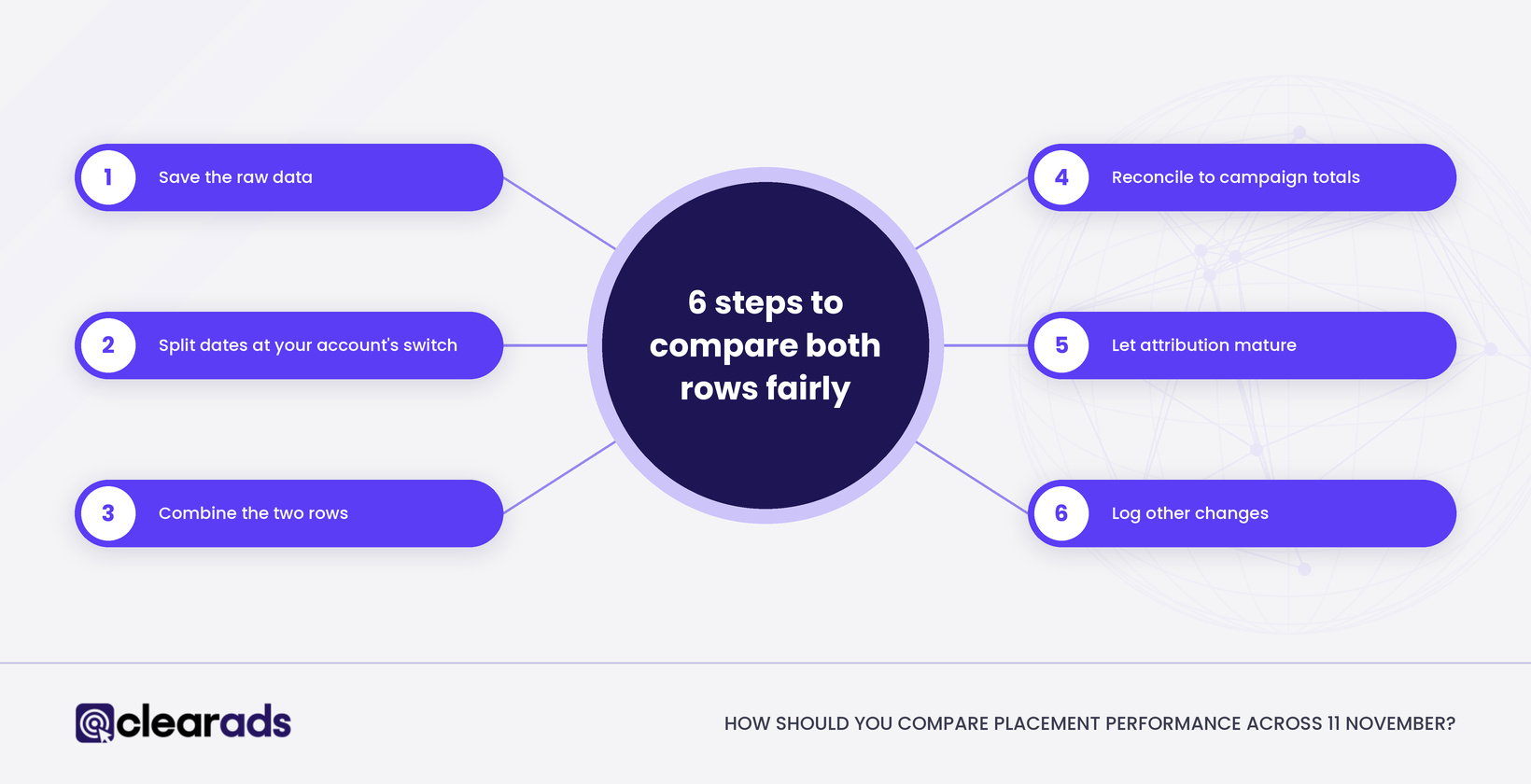
Six steps to compare Off Amazon and Other on-Amazon fairly, from saving raw data to logging other changes

Compare Off Amazon and Other on-Amazon combined, on matching dates and at matching attribution maturity, before judging either row on its own. Work through these steps:

  • Save the raw data. Export daily placement reports for the weeks either side of the switch and record the date you pulled each file, because the console report looks back only 90 days.

  • Split the dates. Use the reported date of 11 November as a starting boundary, then check your daily data for the day your own account’s rows broke.

  • Combine the two rows. Add spend, clicks, orders and sales for Off Amazon and Other on-Amazon, then recalculate CPC, conversion rate and ACoS from the totals.

  • Reconcile to campaign totals. Check that your placement rows add up to the campaign report for the same dates, and find any gap before you read trends.

  • Let attribution mature. Sponsored Products credits purchases within 7 days of a click for sellers and 14 days for vendors, so the latest week will gain sales after you first look.

  • Log other changes. Note any bid, budget, reach-setting, price or stock changes in the period, so the relabelling does not take the credit or the blame for them.

Never average the two rows’ ACoS or CPC, because a row with more spend should count for more: sum first, then divide. Where attributed sales are zero, ACoS has no value rather than 0%, and our ACoS and TACoS guide covers the formula and how to set targets.

Use the combined view to check continuity only. It can hide offsetting moves, such as storefront clicks rising while search clicks fall, so keep the separate rows beside it, and avoid treating a November monthly total as like for like with October.

Which bids, rules and dashboards need checking?
Check rules, bids, alerts and dashboards that read Off Amazon or Other on-Amazon on their own

Check anything that reads the Off Amazon or Other on-Amazon row on its own, because neither row holds the same traffic it held before the switch. Start with bids, then automation, then reporting.

Amazon added a Rest of search bid adjustment in January 2024, allowing increases of up to 900% for search results below the top row. Nothing from Amazon says whether storefront clicks receive it, so a better Other on-Amazon ACoS is no reason to raise it, and a worse one is no reason to cut base bids, which move every placement at once. Off Amazon has no placement adjustment of its own: top of search and product page adjustments do not apply there, though dynamic bidding does.

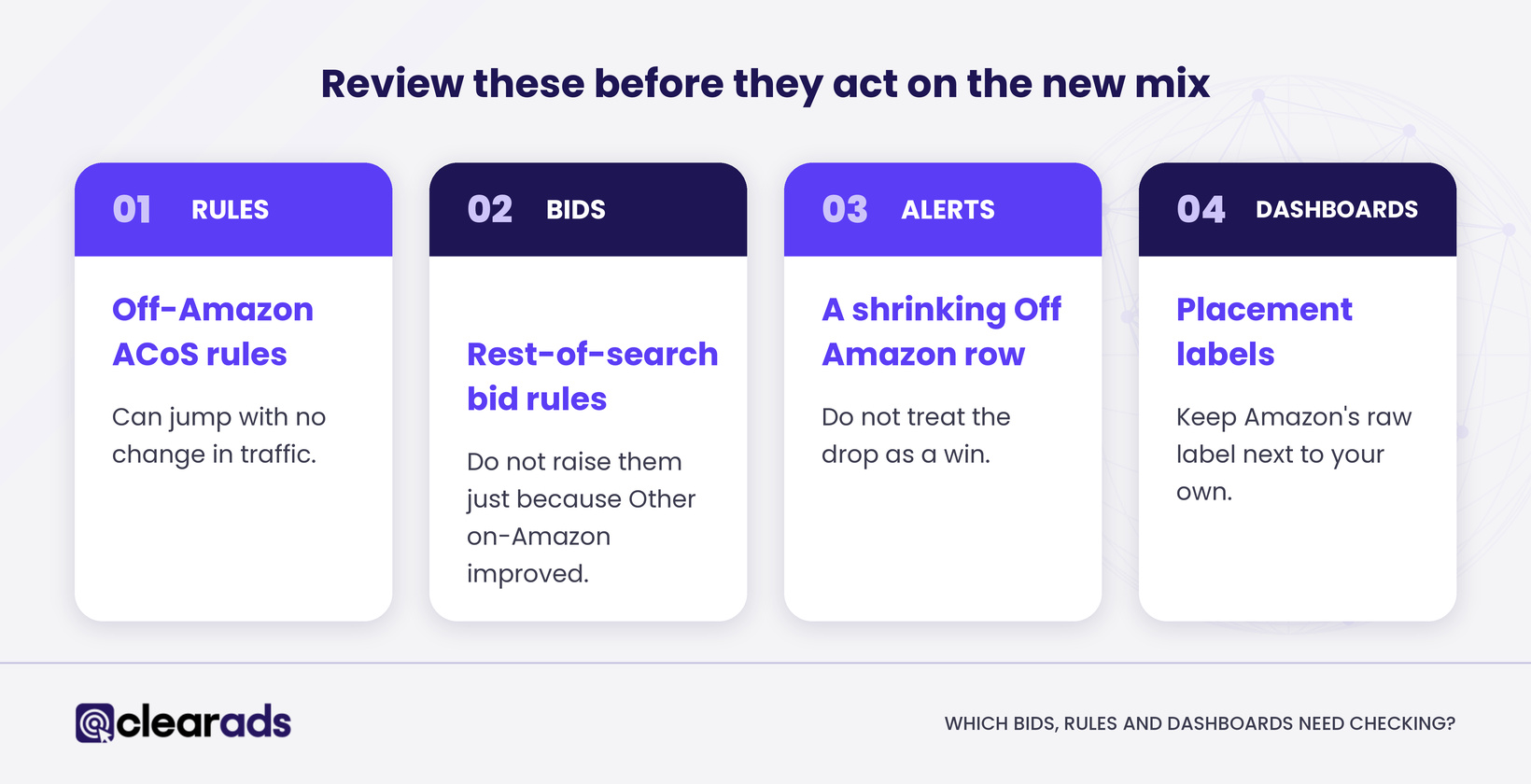
For how placement adjustments and bidding strategies work together, see our guide to Amazon PPC budgeting and bidding strategies. Then review these before they act on the new mix:

  • Rules that cut off-Amazon spend when Off Amazon ACoS passes a threshold, since the row’s ACoS can jump with no change in traffic.

  • Bid rules that raise rest-of-search bids when Other on-Amazon improves.

  • Alerts that treat a shrinking Off Amazon row as a win.

  • Dashboards and connectors that rename placement labels: keep Amazon’s raw label next to your own, never drop an unfamiliar label or fold it into a generic Other, and mark the switch date on every trend chart.

How do you see and exclude the creators behind your clicks?

Use the Participating creators report to see which creators drove paid clicks, and the creator deny list to block any you don’t want. Both sit on the deny list page of your Amazon Ads account.

The report lists each creator’s name, storefront link, creator tags and whether they are already on your deny list. It covers 30 days by default, up to a year, and downloads as a CSV file, though some creators appear only as a tag. Amazon describes no creator-level spend, sales or ACoS in it, and no split between storefront and external clicks, so use it to identify creators rather than to judge their profitability.

To block a creator, upload a file with their creator tag in the first column and CREATOR in the second; one file can hold up to 10,000 lines, and processing can take up to 15 minutes. The exclusion applies across your Sponsored Products and display campaigns, and it blocks the creator’s storefront only in the marketplace where that tag is registered, so check each marketplace you advertise in. Amazon treats a deny-listed creator as your brand preference rather than a finding that the creator is unsafe.

Exclude for a documented reason, such as brand suitability or a cost problem your own mature data supports. Early coverage described creator tags in deny lists for US advertisers, so confirm the option exists in each marketplace before you plan around it.

Frequently asked questions

Does the change affect Sponsored Brands or display ads?

No. The reported change covers Sponsored Products only, and Amazon has described no matching change for other ad types. Sponsored Brands ads run only on Amazon, so their placement report has no Off Amazon row, and display ads use their own reports, which have no Off Amazon placement either.

What happens to placement data from before 11 November?

Amazon has not said whether it will restate older dates under the new definition. Save exports with the date you pulled them, and if a later pull of the same dates shows storefront clicks in a different row, you will know the history was restated and can adjust your baseline.

Can you switch off creator placements completely?

No. Amazon documents no account-level switch that removes every creator placement. Limiting a campaign to Amazon restricts delivery outside Amazon but still allows storefronts, and the deny list blocks creators one at a time; one industry report suggests asking Amazon Ads support for full removal, an option Amazon’s public help pages do not describe.

Do creators choose which of your products they feature?

Yes. Amazon recommends advertised products to creators based on relevance and engagement history, and creators with verified engagement and Amazon sales history choose which to feature. You cannot pick creators, only exclude them, so check the Participating creators report regularly to see who is promoting your products.

How are creator clicks priced?

A creator click is a cost-per-click Sponsored Products click, paid from the same campaign budget as your other clicks. Amazon says its cost depends on your maximum bid, the product’s expected performance and the sales the ad brings, and it never exceeds your maximum bid.

Is off-Amazon Sponsored Products available in every marketplace?

No. Amazon’s help page lists the advertiser countries for off-Amazon Sponsored Products, and its recent versions name 19 countries, including the US, the UK, Germany and France. The list has changed during 2026 and creator tools can differ by marketplace, so check each advertiser profile rather than assuming.

What does this article not cover?

This article covers how Amazon now reports Sponsored Products clicks from creator storefronts and what to check as a result. Related topics live elsewhere:

What should you do next?

Before you change any bids, export daily placement reports for the weeks either side of the switch and rebuild the combined Off Amazon and Other on-Amazon view for your top campaigns. Then pull the Participating creators report and decide, creator by creator, whether any storefront conflicts with your brand.

Clear Ads is an Amazon Ads Advanced Partner that manages Amazon PPC, Amazon DSP and full-service accounts for brands worldwide. If you want help reading your placement data across the change, request a call back from the Clear Ads team.

YOUR PATH TO A HIGHER ROI STARTS HERE!

Founder & CEO, Clear Ads Limited

George Meressa is Founder and CEO of Clear Ads, the Amazon PPC, DSP and full-service agency he started in 2011. He has worked in digital advertising since 2009 and has helped over 1,000 advertisers grow sales and organic rank on Amazon. He writes and speaks internationally on Amazon advertising, organic rank and retail media.

The metric that decides your organic rank

Chart showing that out-converting your category lifts organic rank and lowers TACoS

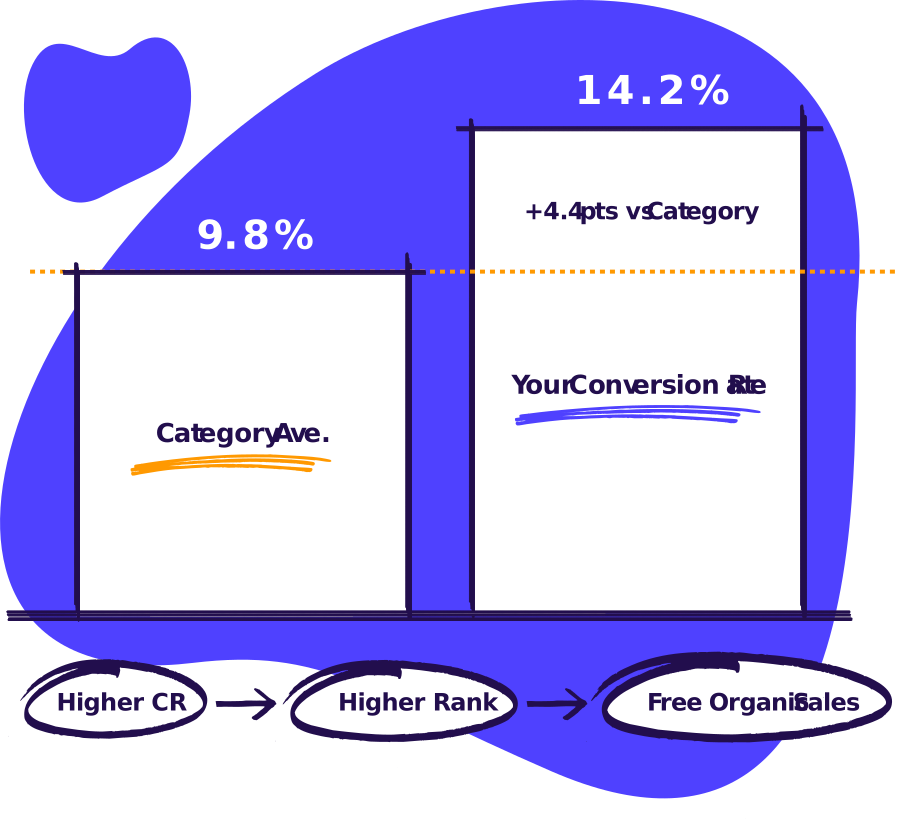
If you out convert the category, you’ll climb organic and sell more at a lower TACoS

Free PPC audit.

No call, no signup.

Cartoon laptop showing an audit score of 66/100

Nothing to sign in to. Your files stay in your browser.

Skip the sales call.

Get the audit.

Magnifying glass over an ad spend report, for the free Amazon ads audit

Upload your ad reports. Get your audit in under 5 minutes.

The metric that decides your organic rank

Chart showing that out-converting your category lifts organic rank and lowers TACoS

If you out convert the category, you’ll climb organic and sell more at a lower TACoS

See how we can help you maximise revenue from your ad spend

Scroll to Top

Want to explore working with us?

Fill out the form below and our Head of Sales will reach out to you asap to coordinate an audit of your account. We’re looking forward to growing with you!

Name
What services are you interested in?